
TimeNTrack 2025 Update: The Frictionless Workflow
12 December 2025 • Raddy
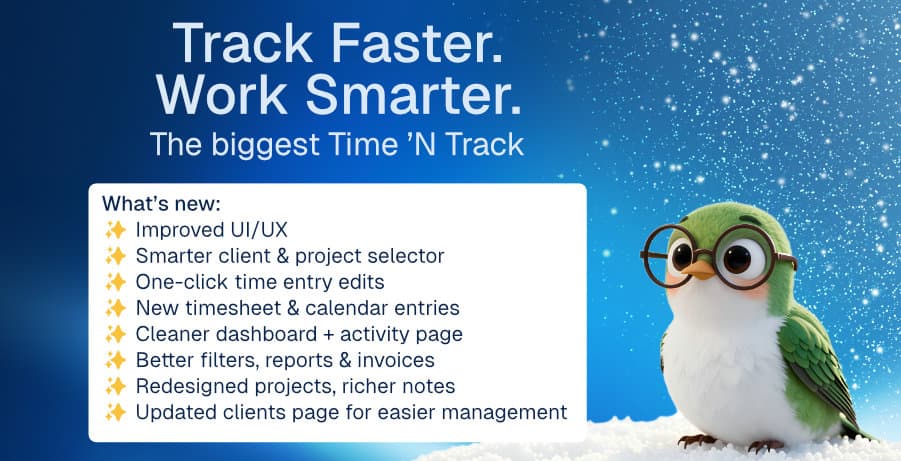
Tracking time shouldn't take more time than the work itself.
The latest Time 'N Track update has arrived, and it has one goal: zero friction.
We know that every second you spend managing menus, correcting entries, or waiting for a page to load is a second you aren't earning money. That's why we've redesigned the entire experience to help freelancers and solo founders work smoother and faster.
TL;DR:
- ✨ Mobile PWA: Install it like a native app for instant loading.
- ✨ Unified Selector: Search clients and projects in one keystroke.
- ✨ Inline Editing: Click and type to fix entries instantly.
- ✨ Smart Reports: Filter data in seconds to see where your time goes.
- ✨ Rich Notes: Keep detailed project requirements right next to your timer.
1. Track Time Anywhere, Instantly
We’ve overhauled the mobile experience to be as fast as you are. No more waiting for heavy pages to load when you're on the go.
Install It Like an App: You can now install TimeNTrack as a Progressive Web App (PWA) directly to your home screen.
- Instant Access: Opens immediately without a browser UI.
- Better Performance: Caches key resources so it feels native.
- Focus Mode: Removes distractions so you can log time and get back to life.
Why it matters: You’ll actually track those small 15-minute tasks away from your desk instead of "remembering to do it later" (and forgetting).
2. Start Timers Without Breaking Flow
The old way was clunky: select a Client, wait for the list to update, then select a Project. It broke your concentration.
The New Unified Selector: We’ve combined everything into one intelligent command bar. Just start typing—client name, project name, or code—and we’ll filter the results instantly.
Why it matters: You can switch contexts in milliseconds. It keeps your mental focus on your work, not on your admin tools.
3. Fix Mistakes in One Click
Made a typo in your description? Forgot to change the category? Previously, you had to open an "Edit" menu, wait for a modal, make changes, and hit save.
Now, just click and type. We’ve introduced Inline Editing across the entire dashboard.
- Edit Descriptions: Click the text, type the fix, hit Enter.
- Adjust Times: Click the timestamp to tweak the start/end time immediately.
Why it matters: Correcting your timesheet is no longer a chore, which means your reports will be more accurate at the end of the month.
4. Know Your Numbers at a Glance
Data is only useful if you can understand it. We’ve stripped away the clutter from our Reports and Dashboard to focus on actionable insights.
- New Filters: Isolate specific clients or tags instantly to answer questions like, "How much did I work on the Acme project last November?"
- Visual Dashboard: See your billable vs. non-billable split immediately upon logging in.
5. Keep Context with Your Projects
Projects are rarely just a name. They have requirements, meeting notes, and specific goals.
Rich Text Project Notes: We've added a powerful editor directly to the Project view. Store credentials, paste meeting summaries, or list deliverables right where you track the time.
Why it matters: You stop wasting time searching through emails or external note apps just to remember what you were supposed to be doing.
Ready to Work Smarter?
This update isn't just a fresh coat of paint—it's a fundamental shift in how you interact with your business data. We've removed the barriers so you can focus on what you do best.

Written by
RaddyWeb developer, designer, and founder of TimeNTrack. With over 10 years of experience helping freelancers run better businesses, Raddy has worked with thousands of people through his Raddy Dev YouTube channel, his blog at raddy.dev, and ran a successful freelance business himself.